
 English
 Română
 Español
 Magyar
If the text looks too small or too big, change it in the settings. The choice only applies to the device you're on.
Step 1 — Open the appearance settings
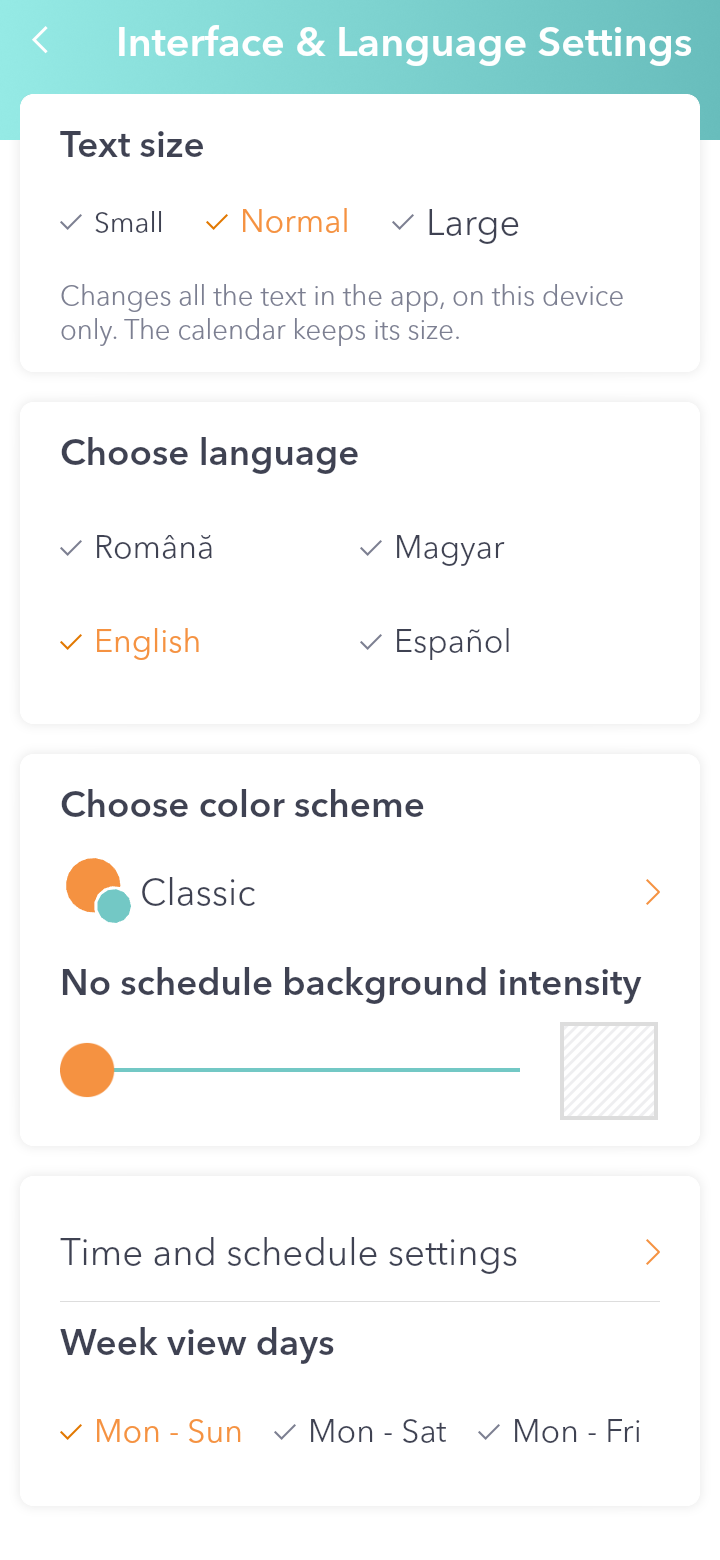
Open the menu, go to Settings and tap Interface & Language Settings.
Step 2 — Pick the size
At the top, at Text size, choose Small, Normal or Large. Each option is written in its own size, so you can see how it looks first.
Step 3 — Leave the settings
Tap the Back arrow in the top left. Your choice is saved and the app reloads for a moment with the new text size.
Good to know: Changes all the text in the app, on this device only. The calendar keeps its size. Small is the size from before version 2.0.14.