
 English
 Română
 Español
 Magyar
You note what you did at the visit and which correction system you fitted, on which nail.
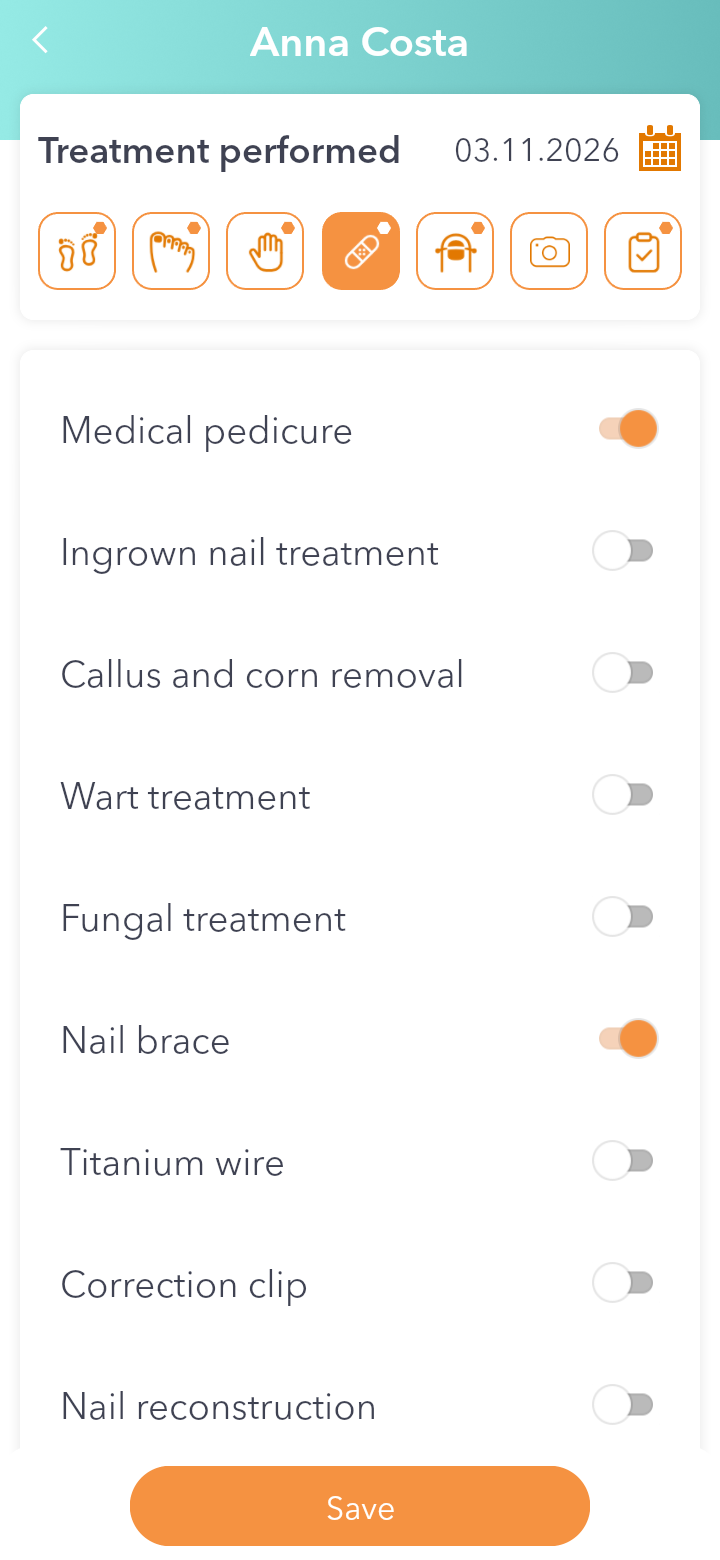
Step 1 — Tick the treatment
In the visit record tap Treatment performed and turn on what you did, for example Medical pedicure or Nail brace. Below, at Follows the treatment, choose Yes or No.
Step 2 — Pick the correction system
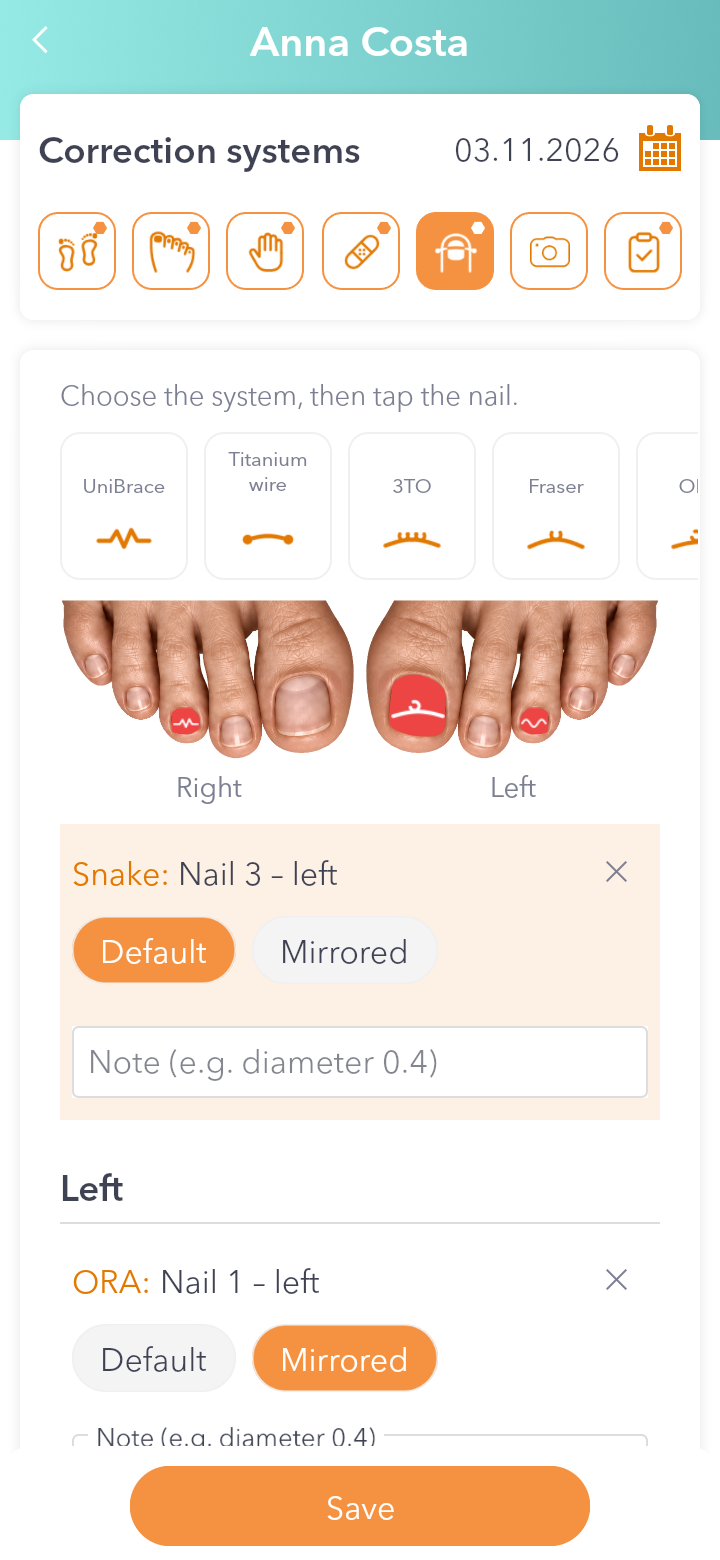
Tap Correction systems. At the top are the systems: UniBrace, Titanium wire (Nitinol), 3TO, Fraser, ORA, Snake and more. Choose the one you fitted.
Step 3 — Tap the nail
Tap the nail you fitted it on. A card with the system and the nail appears under the drawing.
Step 4 — Choose the variant and add a note
In the card choose Default or Mirrored, and you can write a note in the field below. The X in the corner removes the system.
Step 5 — Save
Tap Save.